VICE on Ubuntu 24.xx
Introduction
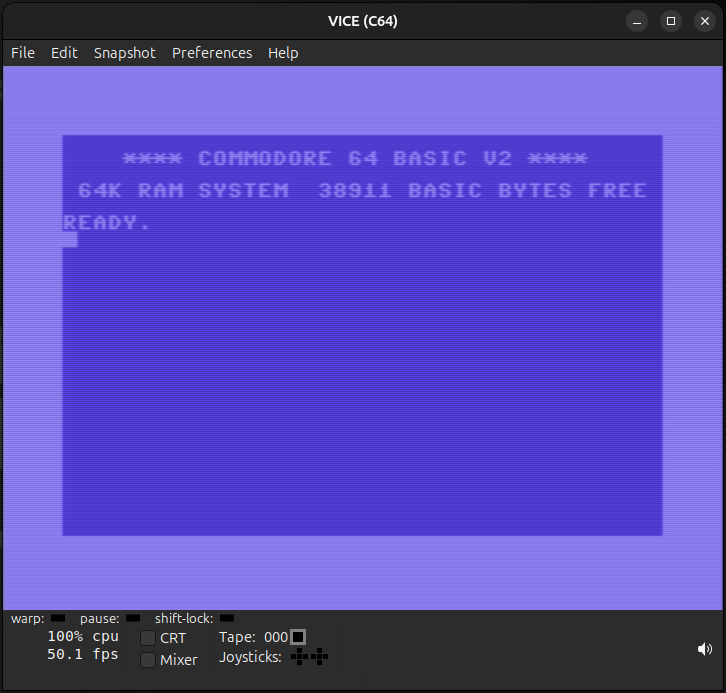
VICE (Versatile Commodore Emulator) is a free and open-source emulator suite that allows you to run software designed for various 8-bit Commodore computers on modern systems. It faithfully recreates the hardware of classic machines like the Commodore 64, VIC-20, PET, C16, and C128, enabling users to experience classic games, demos, and applications as they were originally intended. Whether you’re a nostalgic retro enthusiast or just curious about computing history, VICE provides a powerful and accurate way to explore the world of Commodore.
Installation
Only C64 explained
Install Vice from the Ubuntu repositories
sudo apt-get update
sudo apt-get install vice
Get the ROM files
Download the source files from the link below. These also contain the ROM files.
Extract the compressed file.
As root:
- In /usr/share/vice rename the folder C64 to old_C64
- Copy the C64 folder from the data folder of the compressed file to /usr/share/vice
To start the C64 emulator find the shortcut in the menu or type x64 in a terminal.